Choosing the best wallpaper for Android in 2025 goes beyond just looks. Your wallpaper affects your phone’s style, battery life, and even how smooth your display feels. Whether you prefer 4K static images, dark AMOLED backgrounds, or dynamic live wallpapers, the right choice can completely transform your smartphone experience.
 High Quality Upload and Playlist Option
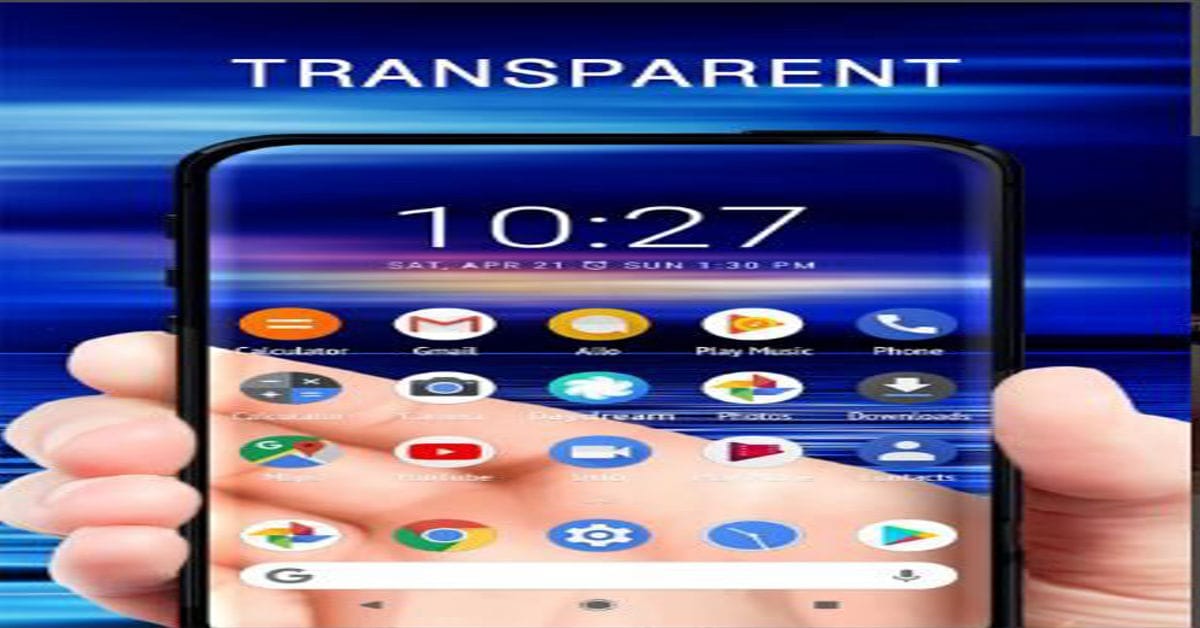
Why Picking the Right Wallpaper Matters
Wallpapers aren’t just decoration. A well-optimized image enhances clarity, complements your icons, and can even improve battery performance on AMOLED screens. Users often overlook that darker wallpapers can help conserve energy, while vibrant 4K visuals bring life to high-resolution displays.
Top Categories of Android Wallpapers
1. AMOLED & Dark Wallpapers
AMOLED wallpapers are designed for modern Android displays. Since black pixels remain off, they reduce battery drain while offering a sleek, minimalist aesthetic. Ideal for night mode lovers, these wallpapers keep your screen sharp and eye-friendly.
2. Live and Dynamic Wallpapers
Live wallpapers bring animation to your home screen—waves crashing, stars twinkling, or neon lights pulsing with rhythm. These are perfect for users who crave interactivity, though they use slightly more battery than static images.
Comparison: Best Wallpaper Apps for Android
| App Name | Features | Best For |
|---|---|---|
| Walli | Curated artwork, artist community | Creative and artistic users |
| Backdrops | HD & 4K wallpapers, daily updates | Minimal and clean aesthetic lovers |
| Zedge | Wallpapers, ringtones, live options | All-in-one customization seekers |
| Tapet | Auto-generates new wallpapers | Users who love fresh daily looks |
How to Choose the Perfect Wallpaper
Before downloading any wallpaper, make sure it matches your device’s resolution. For example, a 1440p image looks crisp on flagship phones, while 1080p works perfectly for mid-range models. If your phone uses an AMOLED display, prioritize dark or black-themed designs to extend battery life.

Expert Tips for a Personalized Home Screen
Tip 1: Balance Colors with Icons
Choose wallpapers that complement your icon colors. Bright icons pop on dark backgrounds, while muted tones blend beautifully with pastel or gradient wallpapers. A clean layout makes your phone easier to navigate and visually appealing.
Tip 2: Test Adaptive Themes
Android 14 and newer versions use Material You, adapting system colors to match your wallpaper. Try experimenting with different images to see how your phone’s interface dynamically changes with each one.
Download
Discover More
Best AMOLED Backgrounds
Dynamic Wallpapers Android
Minimalist Home Screen
Battery Efficient Themes
Free 4K Wallpapers
 TikTok Viral Hashtags Generator

Faraz Shah Skills ✔ Verified
Faraz Shah Skills is a technology educator and content writer. He shares authentic, detailed insights on news, guides, and trends to help readers make informed decisions with clear and trustworthy information.